


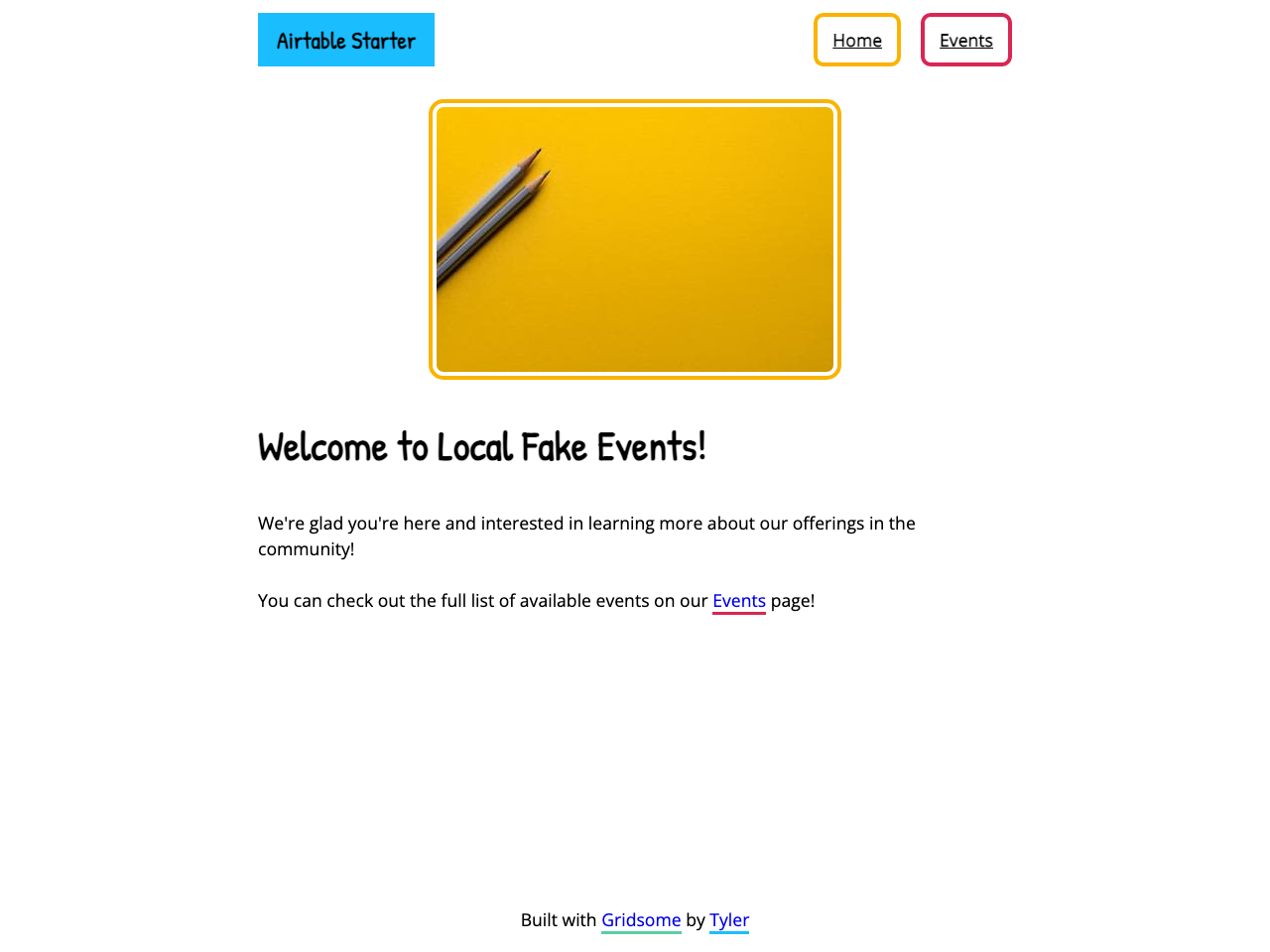
Airtable starter for Gridsome
This starter is meant to act as a starting point/example for connecting Gridsome with Airtable.
Note: This Starter utilizes Moment.js for date/times and can be removed from the Event files if not needed (and removed with yarn remove moment)
Install Gridsome CLI tool (if you dont’ have it already)
npm install --global @gridsome/cli
Create a Gridsome project
gridsome create my-gridsome-site https://github.com/12vanblart/gridsome-airtable-starter.gitto install this startercd my-gridsome-siteto open the foldergridsome developto start a local dev server athttps://localhost:8080- Happy coding 🎉💻
Configure your Airtable connection
Inside your gridsome.config.js file, you’ll see the following:
// gridsome.config.js //

module.exports = {
  siteName: 'Site Name',
  plugins: [
    {
      use: '@gridsome/source-airtable',
      options: {
        // Add these to a .env file
        // Details on finding these values can be found at:
        // https://gridsome.org/plugins/@gridsome/source-airtable
        apiKey: process.env.AIRTABLE_KEY, //required
        baseId: process.env.AIRTABLE_BASE, //required
        tableName: 'Events', //required
        typeName: 'Event', //required - needs to match template name
        route: '/events/:name' //optional
      }
    }
  ]
}
apiKeyis the API secret provided by AirtablebaseIdis the identifier for the base you would like to connect totableNameis the table you would like to pull data fromtypeNameis what you would like to call your data in GraphQLrouteis the optional path you would like to use for accessing your records. This can use GraphQL keys to identify records.
Note: In order for your templates to generate properly at the specified route a typeName.vue file must exist in \templates. In this starter, this is \templates\Event.vue for the Event type.
dotenv file
Details on Gridsome Environment Variables.
You’ll need to create the file .env in your root project directory (The same level as gridsome.config.js) with the following (replace with your values):
AIRTABLE_KEY=<apiKey>
AIRTABLE_BASE=<baseId>
You can learn more about getting these values from the plugin page.
NOTE: When you deploy to Netlify, you’ll need to setup these values under “Build & Deploy” > “Environment” > “Environment Variables”
Query Pages
A list of files where the starter uses queries to make updating easier (all from the src folder):
pages/Events.vue- Grabs all Events sorted bystartDatecomponents/EventCard.vue- Brings Props in frompages/Events.vuetemplates/Event.vue- Usesidto pull in data from Airtable.
My Airtable
This is what my Airtable Base looks like:

Deploy with Netlify
