


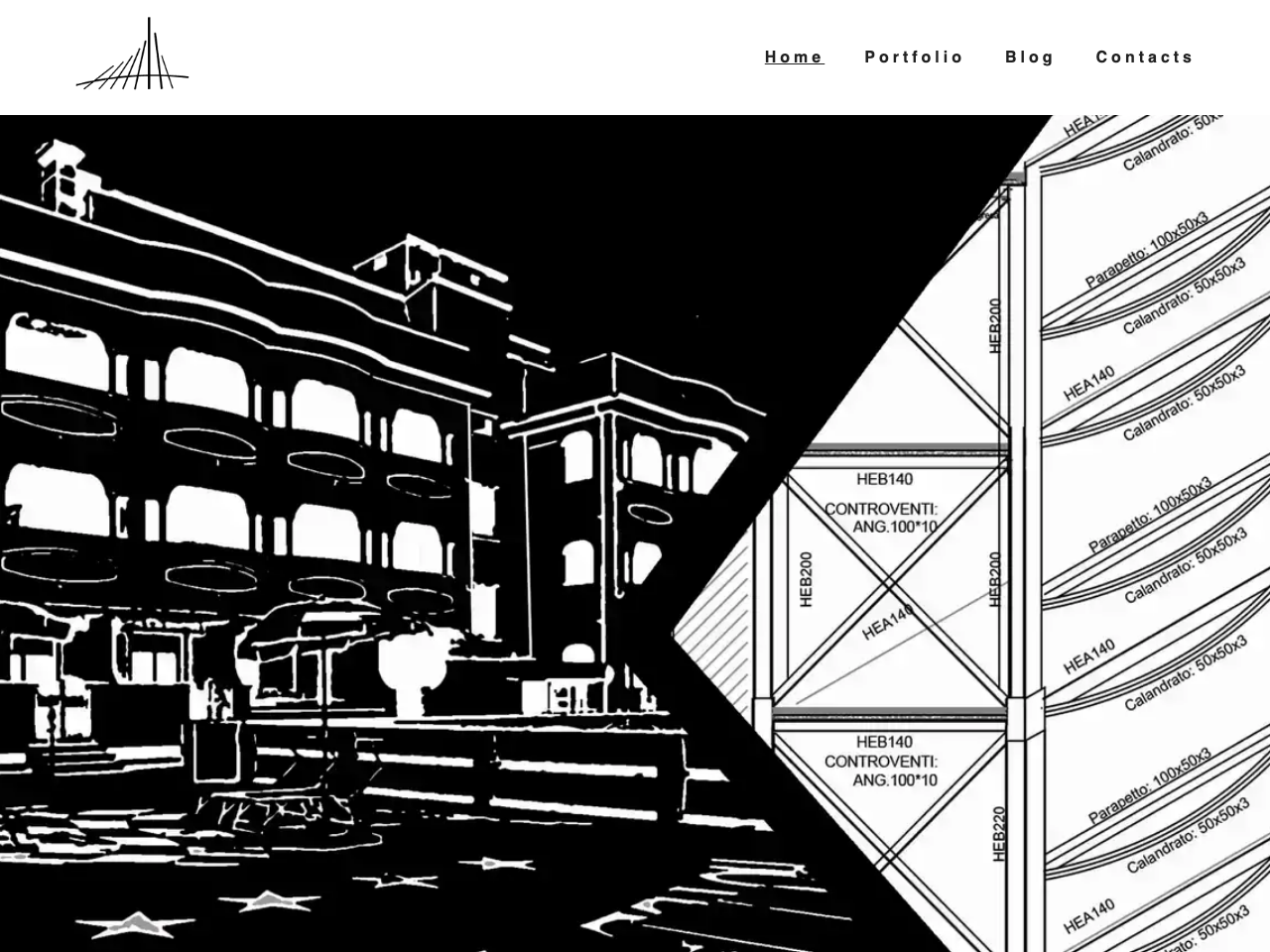
A simple starter kit for creating a Portfolio website with a blog, all served by Contentful
Features
- Gatsby
- Graphql
- Contenful
- Cypress
- CSS Modules and Styled Components
🚀 Quick start
-
Clone the repository
Use git to clone the repository.
# clone the project using Git gatsby clone https://github.com/escapemanuele/gatsby-contentful-blog-portfolio your-project-name -
Install the packages
Navigate into your new site’s directory and install the required packages.
cd your-project-name npm install -
Configure Contenful
Get yourself a Contenful Account, create a new space and configure this project to use it with:
npm run setup -
Start developing.
Finally you are ready to see your project. Start the engine!
gatsby develop -
Open the source code and start editing!
Your site is now running at
https://localhost:8000!Feel free to change everything you want!
-
Test the application with Cypress
There are some cypress tests defined in the ‘cypress’ folder. You only need to use
npm run test:open:e2e